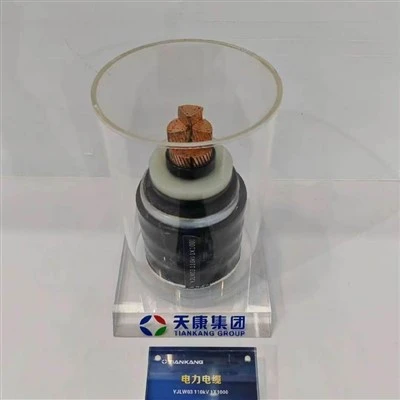
Sure, you can use a shielded computer cable for a Mac computer. As a supplier of Shielded Computer Cables, I'm here to give you the lowdown on why it's a great idea and how it all works.
Why Use a Shielded Computer Cable with a Mac?
First off, let's talk about why you might want to use a shielded cable for your Mac. Macs are high - end machines, and they're pretty sensitive to all kinds of electrical interference. Think of electromagnetic interference (EMI) and radio - frequency interference (RFI). These can come from all over the place, like other electronic devices nearby, power lines, or even wireless signals.

When your Mac is exposed to EMI or RFI, it can lead to some serious issues. You might notice that your connection becomes unstable. For example, if you're using an external display via a cable, you could see flickering or distorted images. Or if you're transferring data, it could happen at a much slower rate than normal, or even worse, data could get corrupted.
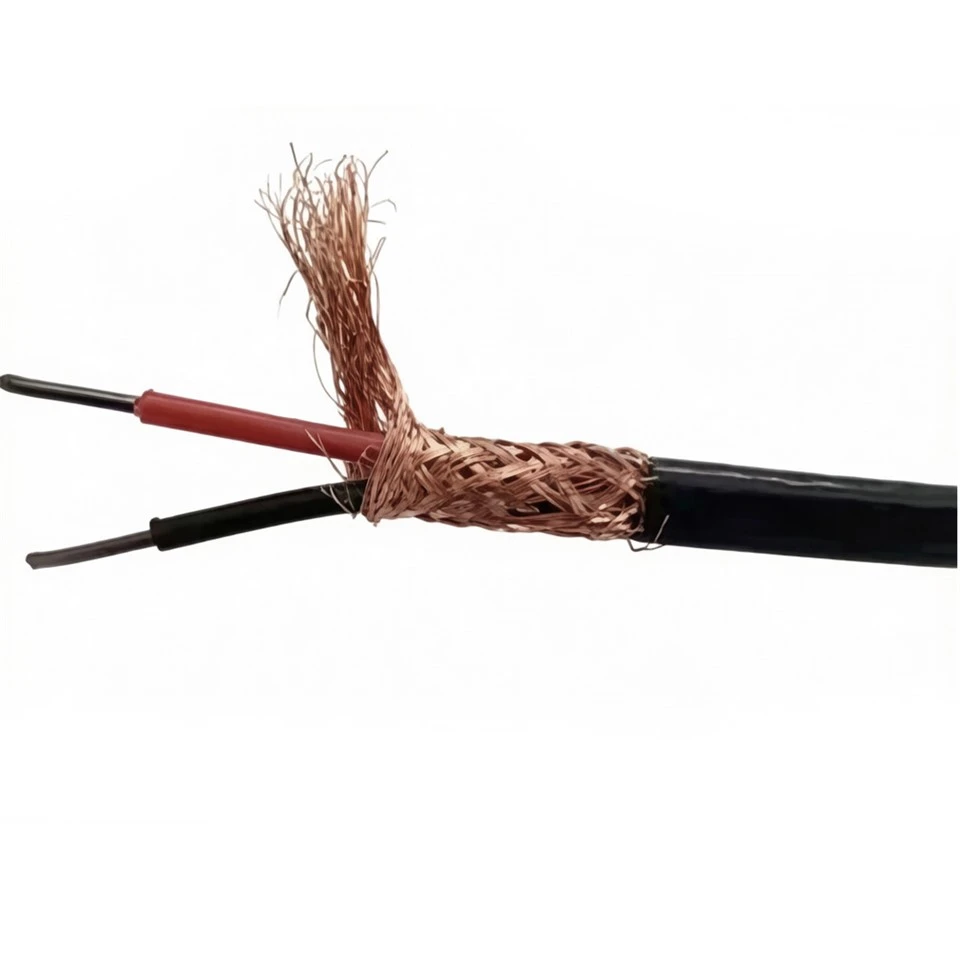
A shielded computer cable solves these problems. The cable is designed with a special layer of shielding material, usually made of metal or a combination of conductive materials. This shielding acts like a barrier, blocking out those pesky EMI and RFI signals. So, when you connect your Mac to an external device using a shielded cable, you're ensuring a stable and reliable connection.
Compatibility with Mac
Mac computers come in different models, and each model has its own set of ports and requirements. Now, the good news is that most shielded computer cables are designed to be pretty versatile. There are shielded cables available for different types of ports commonly found on Macs, such as Thunderbolt ports, USB - C ports, and even HDMI ports.
If your Mac has a Thunderbolt port, you can use a shielded Thunderbolt cable. These cables not only provide a shield against interference but also support high - speed data transfer and video output. For example, you can connect an external hard drive to your Mac using a shielded Thunderbolt cable and transfer large files in no time.
USB - C is another popular port on Macs. There are shielded USB - C cables that can be used for charging your Mac, transferring data, or connecting to external displays. These cables are built to handle high power and data rates, and the shielding makes sure that everything works smoothly.
And if you want to connect your Mac to a TV or a monitor using an HDMI port, a shielded HDMI cable is the way to go. It'll give you a crystal - clear picture without any interference - related issues.
Our Shielded Computer Cables
As a supplier, we offer a wide range of Shielded Computer Cable. Our cables are made with high - quality materials to ensure the best performance.
We also have different lengths available. Whether you need a short cable to connect your Mac to a nearby external device or a longer one to reach across the room, we've got you covered.
Moreover, our cables are designed to be durable. They can withstand regular use and bending without getting damaged easily. This is important because you don't want to keep replacing your cables every few months.
Other Options in Our Cable Range
Apart from shielded computer cables, we also offer other types of cables that might be useful for your Mac setup. For example, if you're working in an environment with high temperatures, our High Temperature Resistant Cable could be a good choice. These cables are made to work well even in hot conditions, so you don't have to worry about cable damage due to heat.
If you need a cable that can be used for multiple control functions, our Universal Control Cable might be suitable. It's designed to be flexible and can be used in different scenarios to control various external devices connected to your Mac.
Another option is the Compensation Wire. This type of wire is used to compensate for temperature differences in electrical circuits. While it might not be something you regularly think about, it can be crucial for certain Mac - related applications where precise temperature compensation is required.
How to Choose the Right Cable
When choosing a cable for your Mac, there are a few things to keep in mind. First, make sure that the cable matches the port on your Mac. You can usually find the type of port clearly marked on your Mac or in the user manual.
Second, consider your needs. If you're just using the cable for basic tasks like charging your Mac or transferring small files, a standard - spec cable might be enough. But if you're planning to transfer large amounts of data at high speeds, or connect to a high - resolution external display, you'll want a cable with better performance capabilities.
Contact Us for Procurement
If you're interested in our Shielded Computer Cable or any of our other cable products, we'd love to talk more with you. We can help you figure out the best cable for your specific Mac setup and answer any questions you might have. Just reach out to us to start the procurement process and get the cables you need.
References
- General knowledge about computer cables and Mac compatibility
- Industry standards for cable performance and shielding